
Features and entitlements
Features in Mantle help you define exactly what each plan includes and how to handle customers who need more. Whether you’re offering simple yes/no access to capabilities or complex usage limits with overage charges, features give you the flexibility to build the perfect pricing structure.
Understanding features
Think of features as the building blocks of your plans. Each feature represents something your customers can access or use in your app. When you create a feature in Mantle, it becomes available to use across all your plans, but you control exactly how it works for each pricing tier.
Working with usage metrics
Features become even more powerful when combined with usage metrics. Here’s how they work together:
Create a usage metric to track the activity (like order count)
Connect the metric to your feature
Set limits in your plans
Configure any overage charges
Now Mantle can automatically track usage against limits and handle any billing adjustments. Learn more about setting up usage tracking in our Usage events & metrics guide.
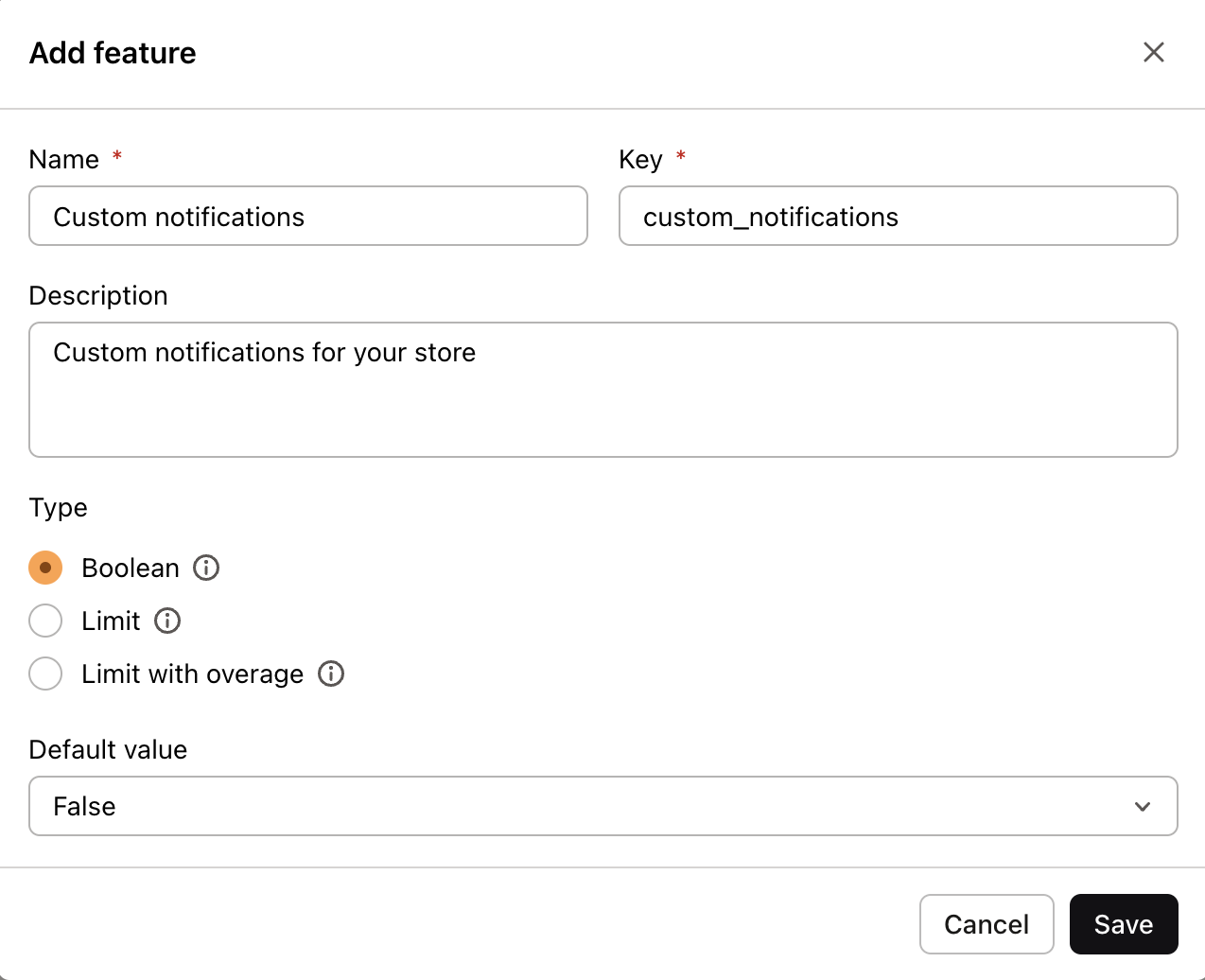
To create any type of feature, head to the features section and click “Add feature”. From there, you’ll choose which type of feature you want to create:
Boolean features
The simplest type - just yes or no access to a capability. Perfect for:
Premium capabilities
Advanced settings
Optional integrations
Beta features
Limited features
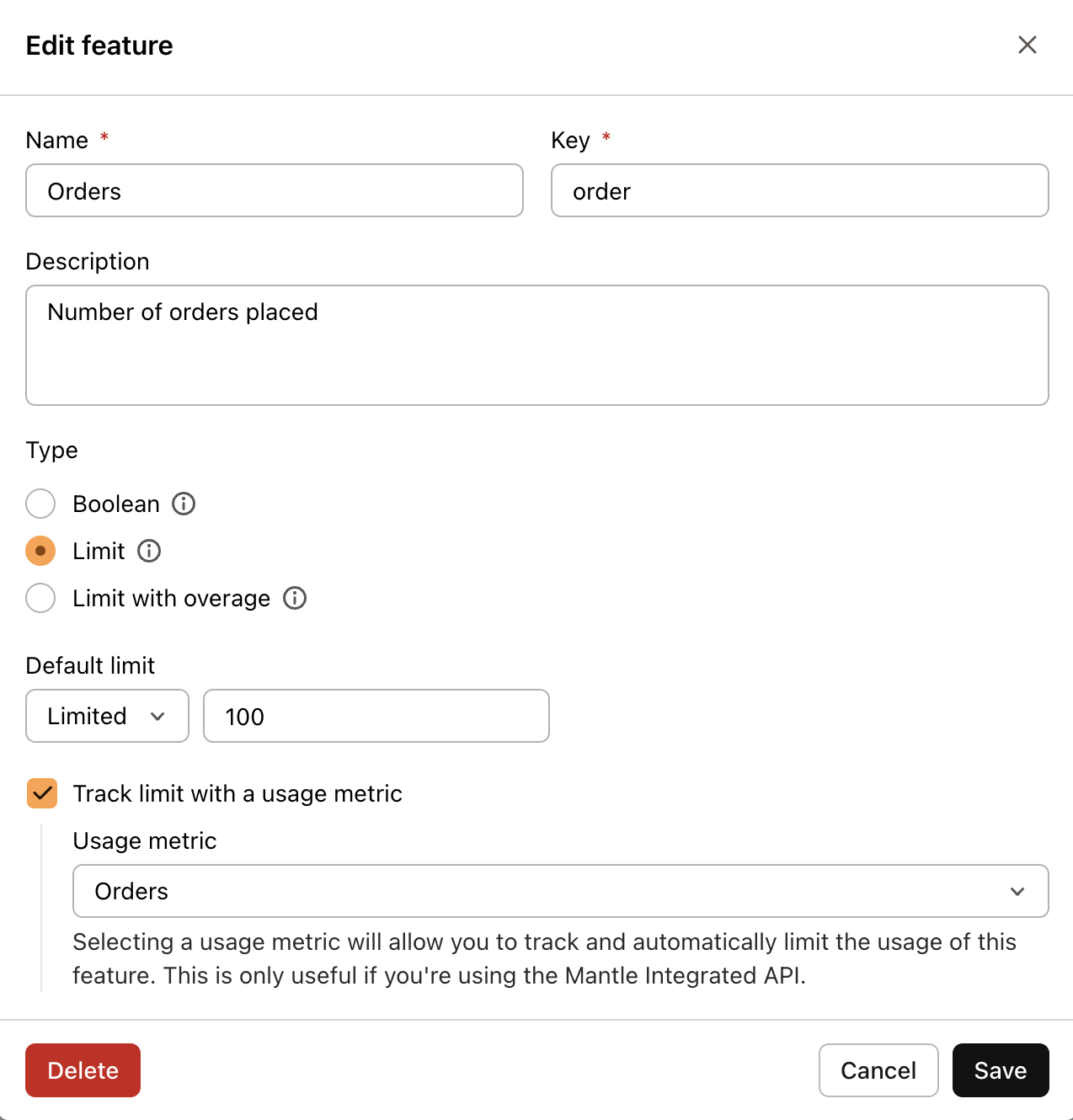
Want to set specific numerical limits for usage? Limited features let you control exactly how much of a resource or capability each plan can use. Ideal for:
Monthly order limits
Storage quotas
API call volumes
User seats
Limited features with overage
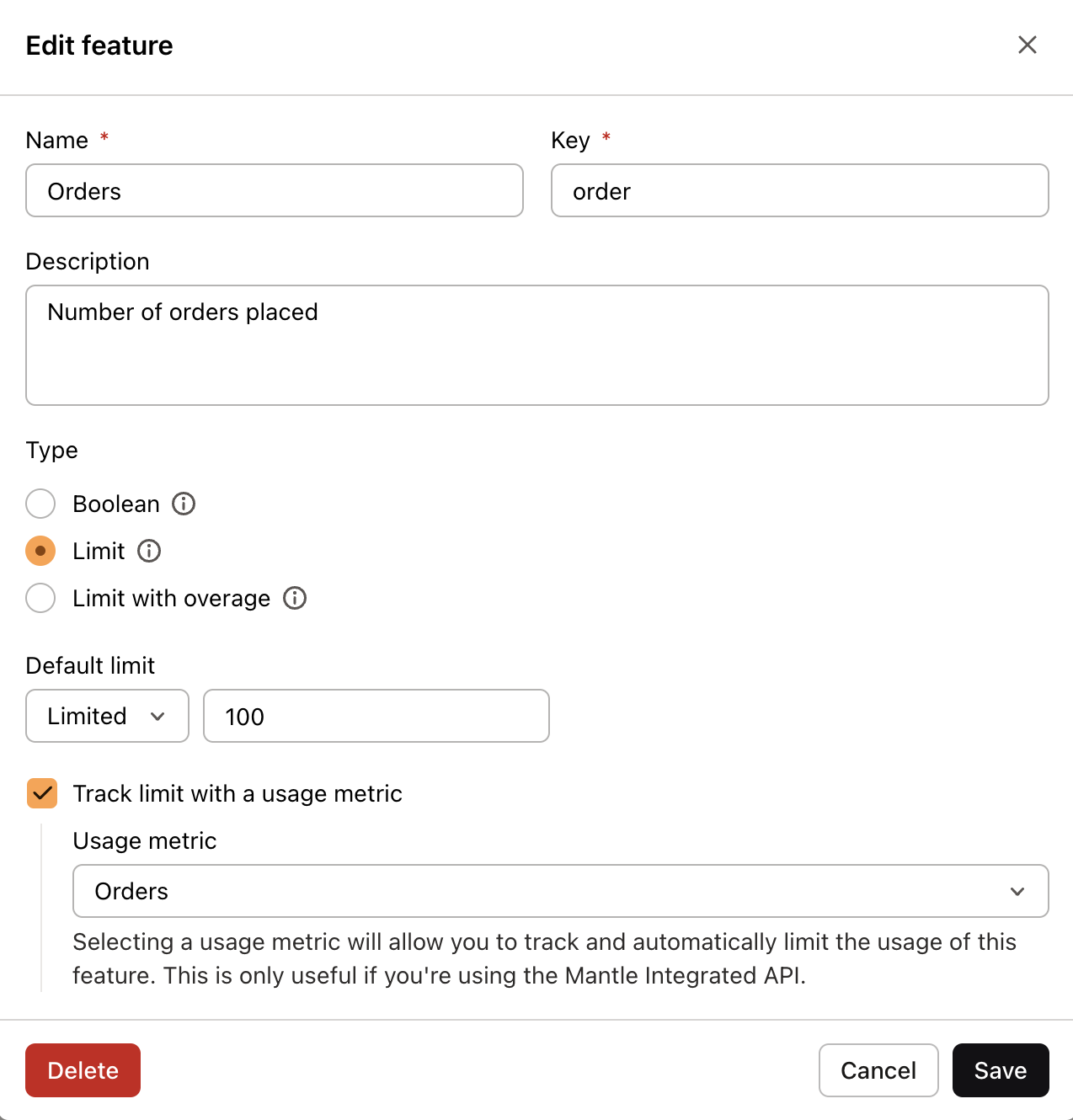
Need to let customers exceed their limits for an additional charge? Limited features with overage combine usage limits with flexible billing options. Perfect for:
Processing orders beyond plan limits
Extra API calls
Additional storage space
Seasonal volume spikes
This type requires two steps:
Create the feature with overage enabled and set your default limit
Configure usage billing in your plan settings
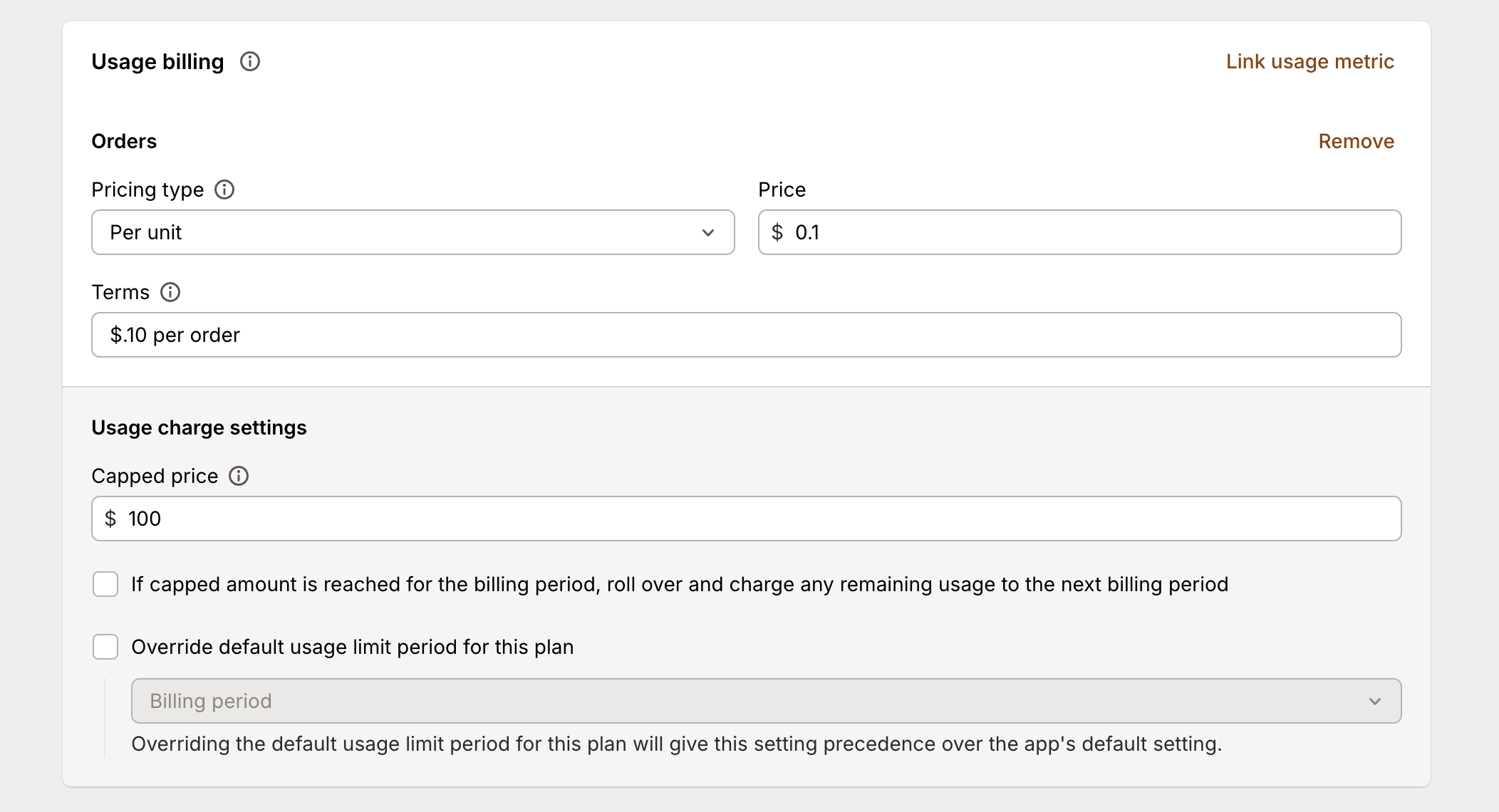
Once configured, Mantle will automatically track usage against limits and apply any overage charges when customers exceed their plan limits.
Configuring features per plan
Once you’ve created your features, you’ll want to customize how they work for each pricing tier. Head to your plans section to:
Enable or disable features for specific plans
Set different limits for each plan
Configure unique overage rates
Override default settings
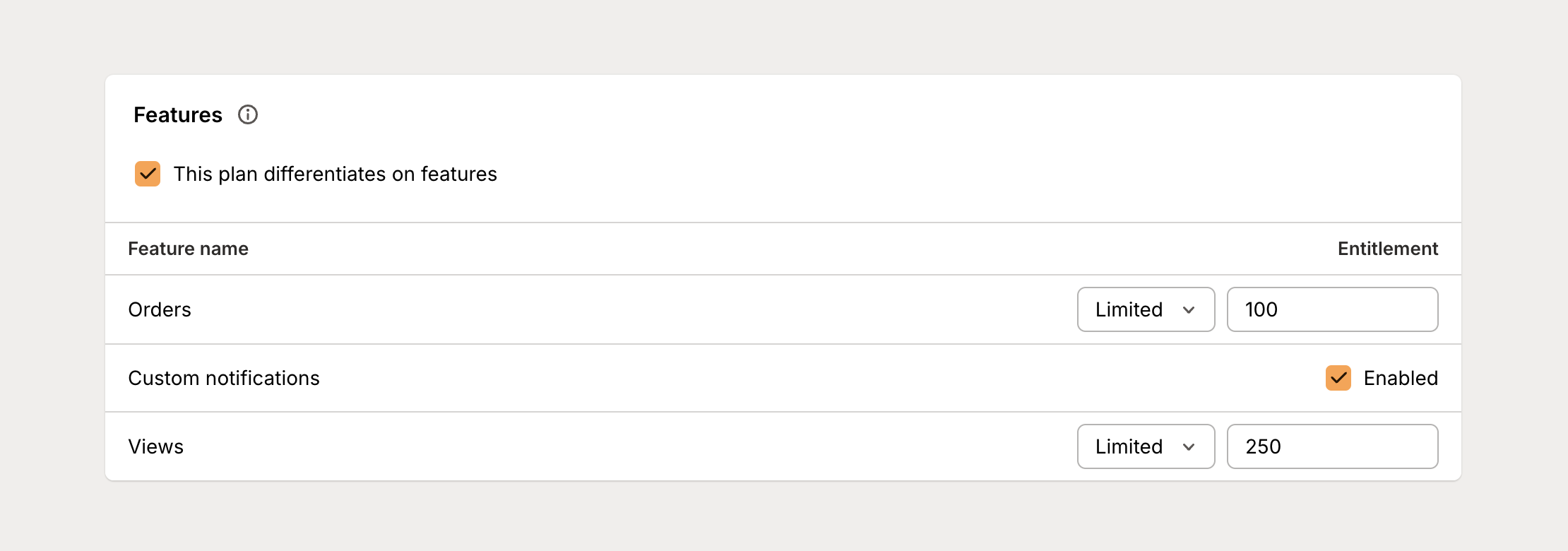
For example, you might configure your “orders processed” feature like this:
Basic plan: 100 orders included
Pro plan: 500 orders included
Enterprise plan: Unlimited orders
Remember that when you create a new feature, it’s automatically available to use in all your plans, but you control exactly how it works in each tier.
Pro tips
A few things to keep in mind when setting up features:
Start with your pricing strategy and think about future growth
Use clear, consistent naming that makes sense to both your team and customers
Keep an eye on usage patterns to spot upgrade opportunities and potential issues
Remember: Well-designed features and entitlements make your pricing both flexible and scalable. Take time to plan your feature structure and you’ll build a foundation that grows with your business.