
Creating your affiliate program
Creating your affiliate program
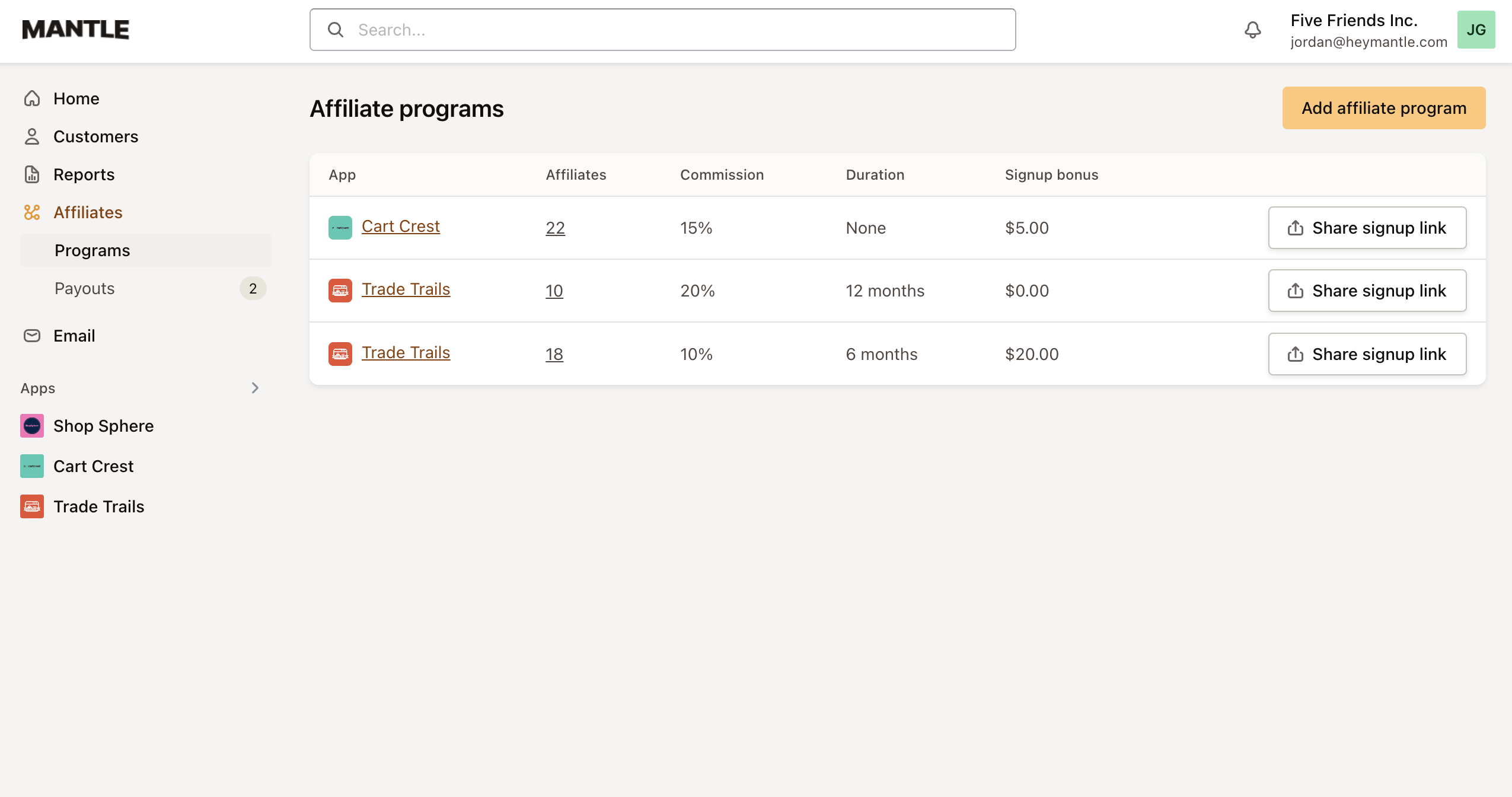
To start your affiliate program simply head to the Affiliates tab and click Add affiliate program. From here you can enter the details of your affiliate program including:
Feature | Description |
|---|---|
Commission rate | Decide the percentage of sales to offer as commission. |
Signup incentive | Set the payment affiliates receive per new signup. |
Installation reward | Determine the payment for each app installation by a referral. |
Payout threshold | Specify the minimum earnings required before issuing payment to affiliates. |
Dashboard access | Choose whether to allow affiliates access to the Mantle Affiliates dashboard. |
Approval requirement | Decide if affiliates need approval before they can participate in the program. |
Terms of Service acceptance | Require affiliates to agree to the Terms of Service before joining the program. (Note: Affiliates will be prompted to accept your Terms of Service via your designated URL within their affiliate portal prior to their participation). |
Once your affiliate program is established, it will appear alongside any other programs you’ve created.
To manage a specific program, simply click on it. This action will take you to its unique dashboard, where you can begin managing all aspects of the program.