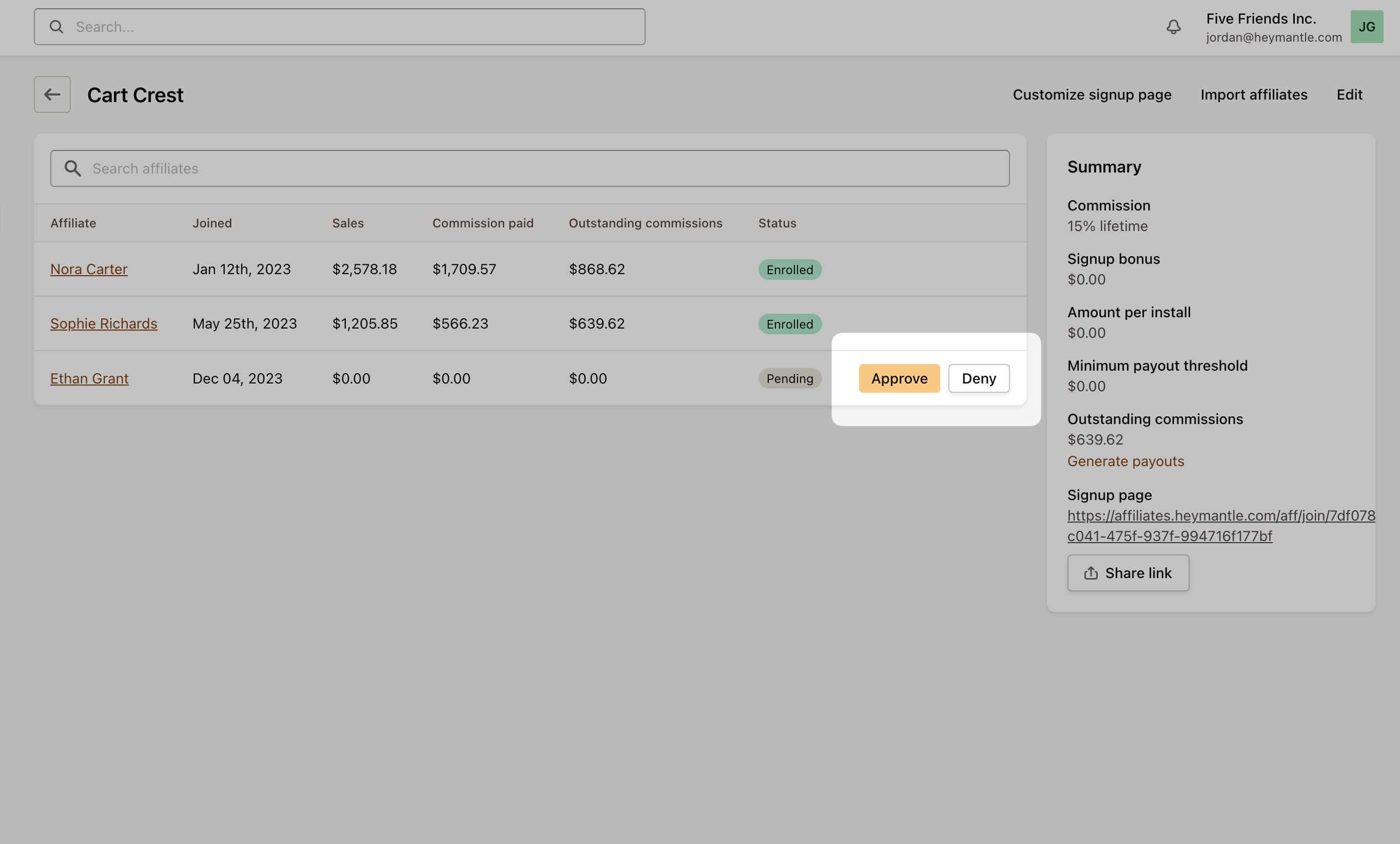
Affiliate program settings
Affiliate groups enable you to apply specific conditions or terms for certain affiliates, allowing for customized management of different affiliate segments.
To create a new affiliate group, go to Affiliates -> Programs in the left-hand navigation bar. Then, select the program associated with your app. This will direct you to the program’s settings page. Here, locate the Affiliate Groups section on the right-hand side of the settings panel and click on Add group.
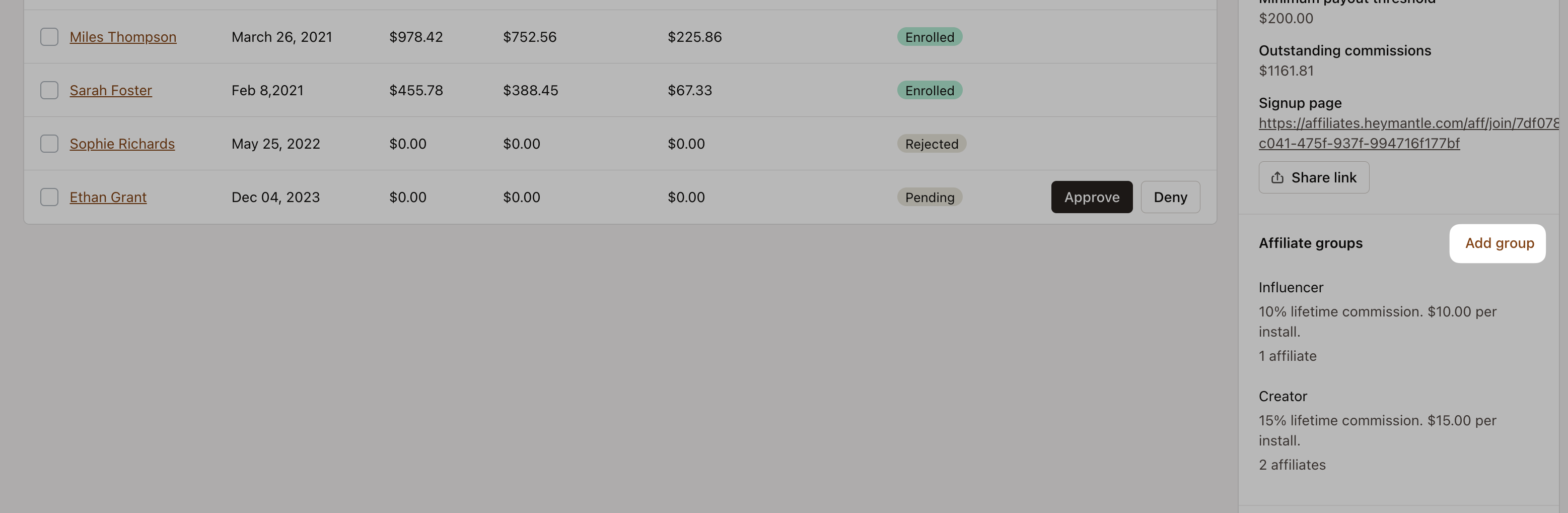
You can create a group within the program and customize the following settings specific to each group:
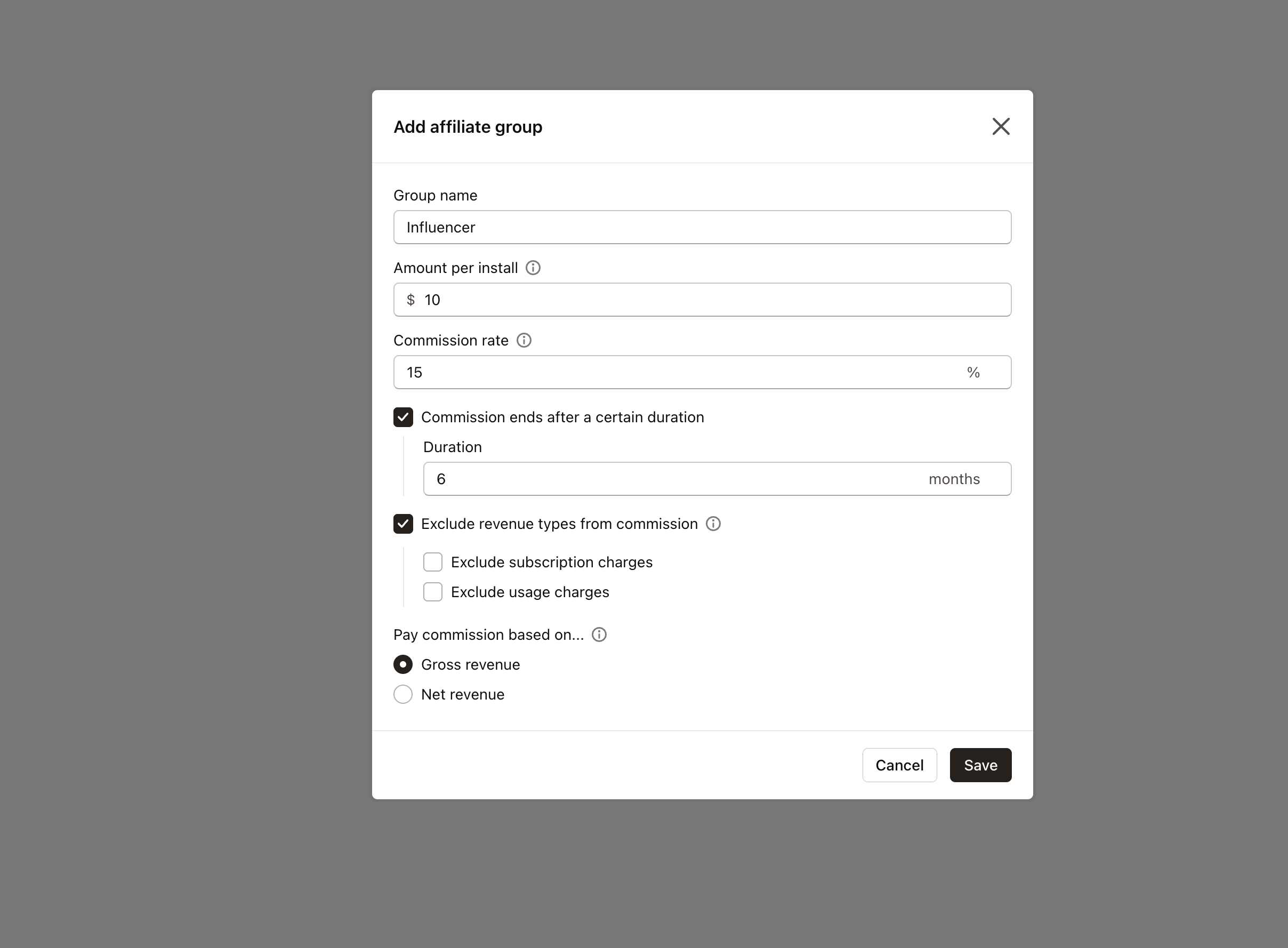
Set a specific amount per install for the group.
Define the commission rate applicable to the group.
Determine the commission duration, including any end dates or time limits.
Choose to exclude certain types of revenue from the commission calculation.
Decide whether to calculate commission based on gross revenue or net revenue.
Each app is linked to a single affiliate program, but within that program, you have the flexibility to create as many groups as needed.
After creating a group, you can select which affilates belong to each group by adjusting an affiliates program settings.
Assets
You have the ability to craft a variety of assets and seamlessly distribute them to your affiliates.
This includes essential promotional materials such as your app’s logo, curated social media content, and direct app installation or signup links, all of which can be effortlessly created and shared.
To generate assets, go to Programs, choose your specific program, then head over to the Assets section within the program settings panel and select Add Asset.
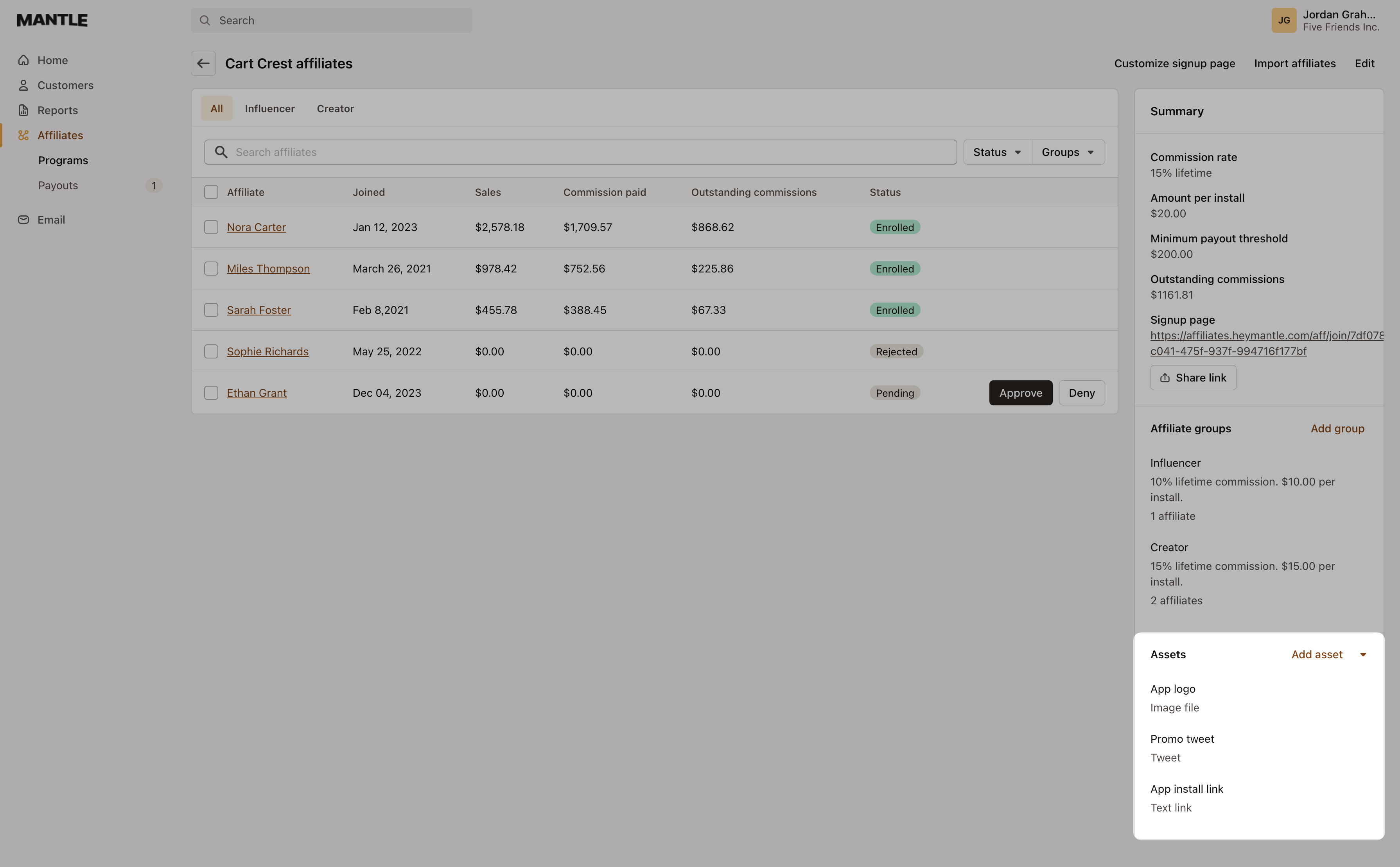
From there you can add your asset:
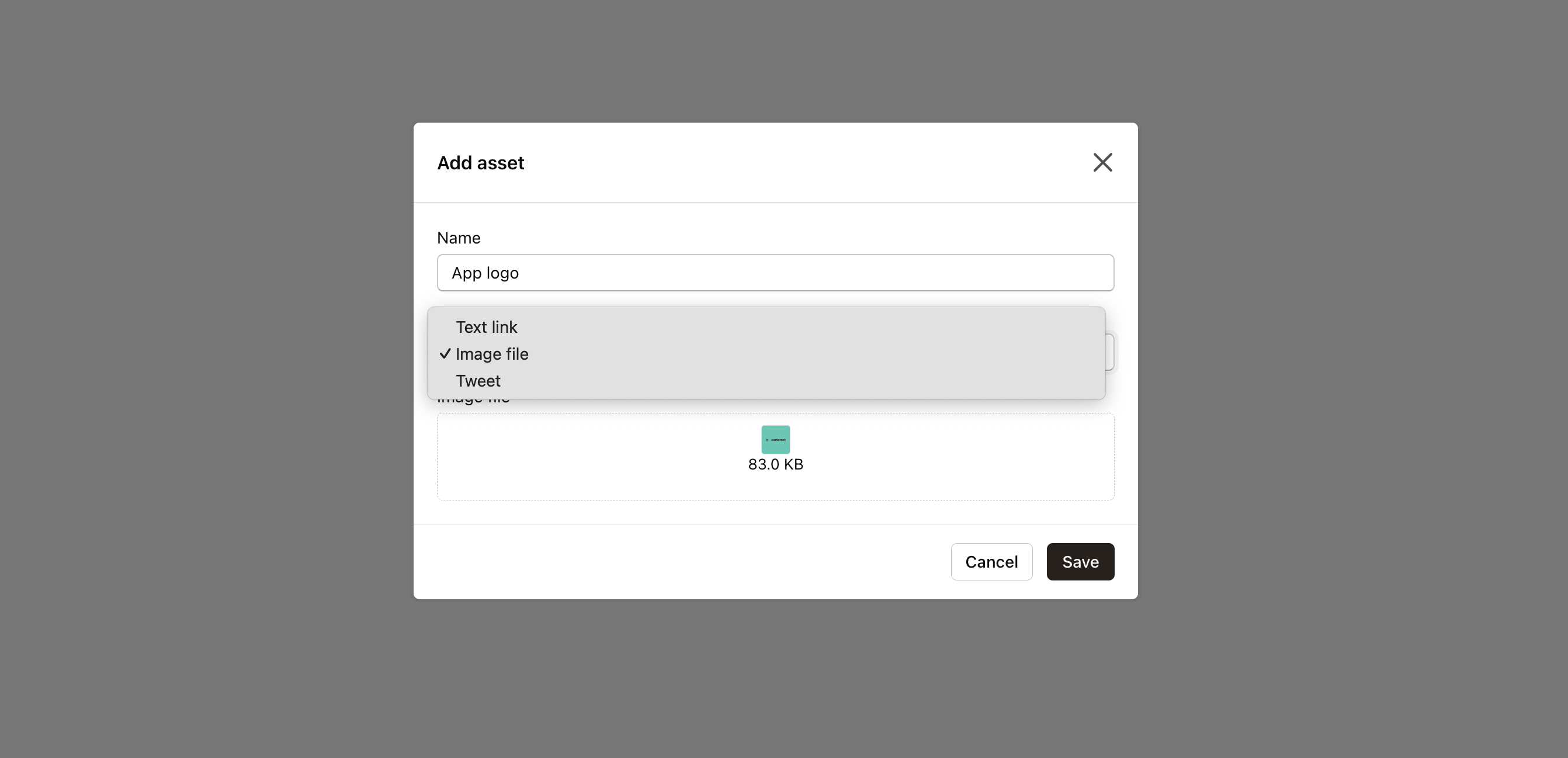
After creating the asset, your affiliates will find it readily available in their portal under the Assets tab within the app’s program:

Reviewing sign ups
Should you opt for a selective entry into your affiliate program by enabling the approval requirement, every registration will be queued for your review on the program page.
Accompanying each application, you’ll find the options to either Approve or Deny—empowering you to curate your affiliate network.